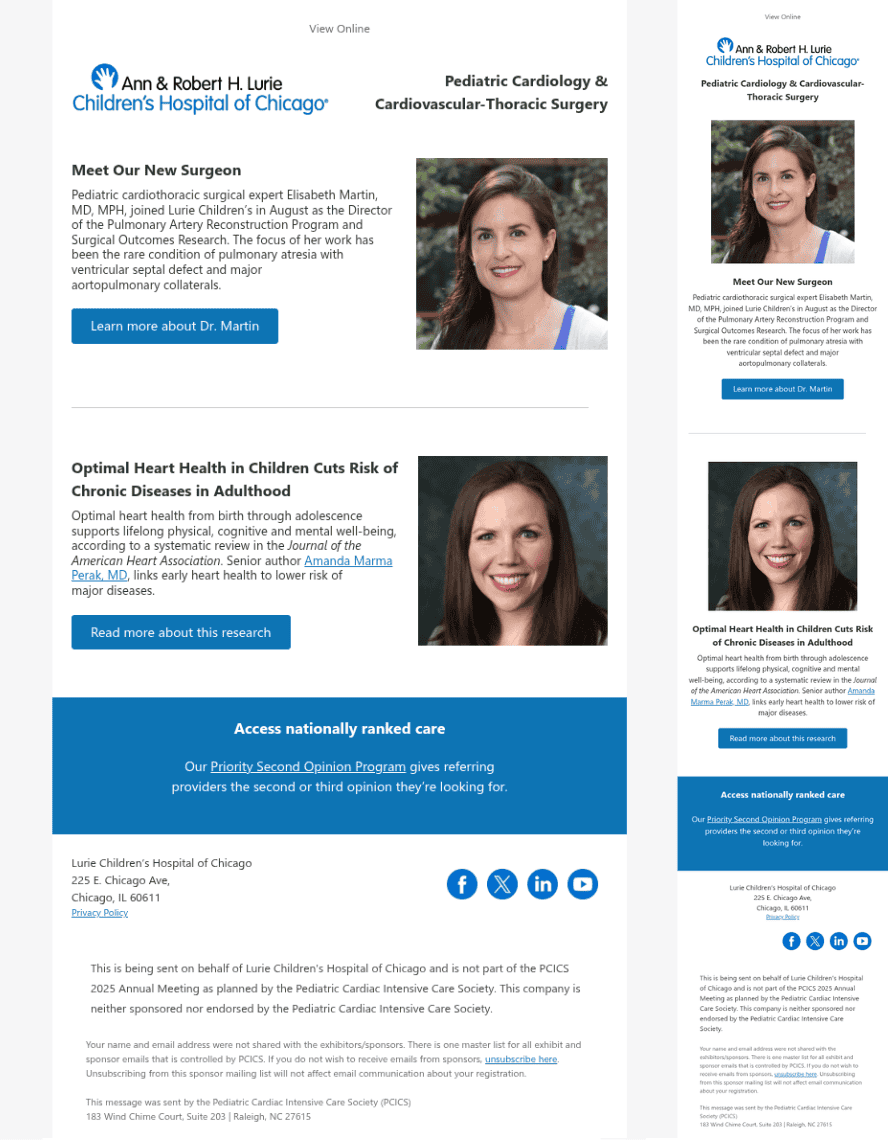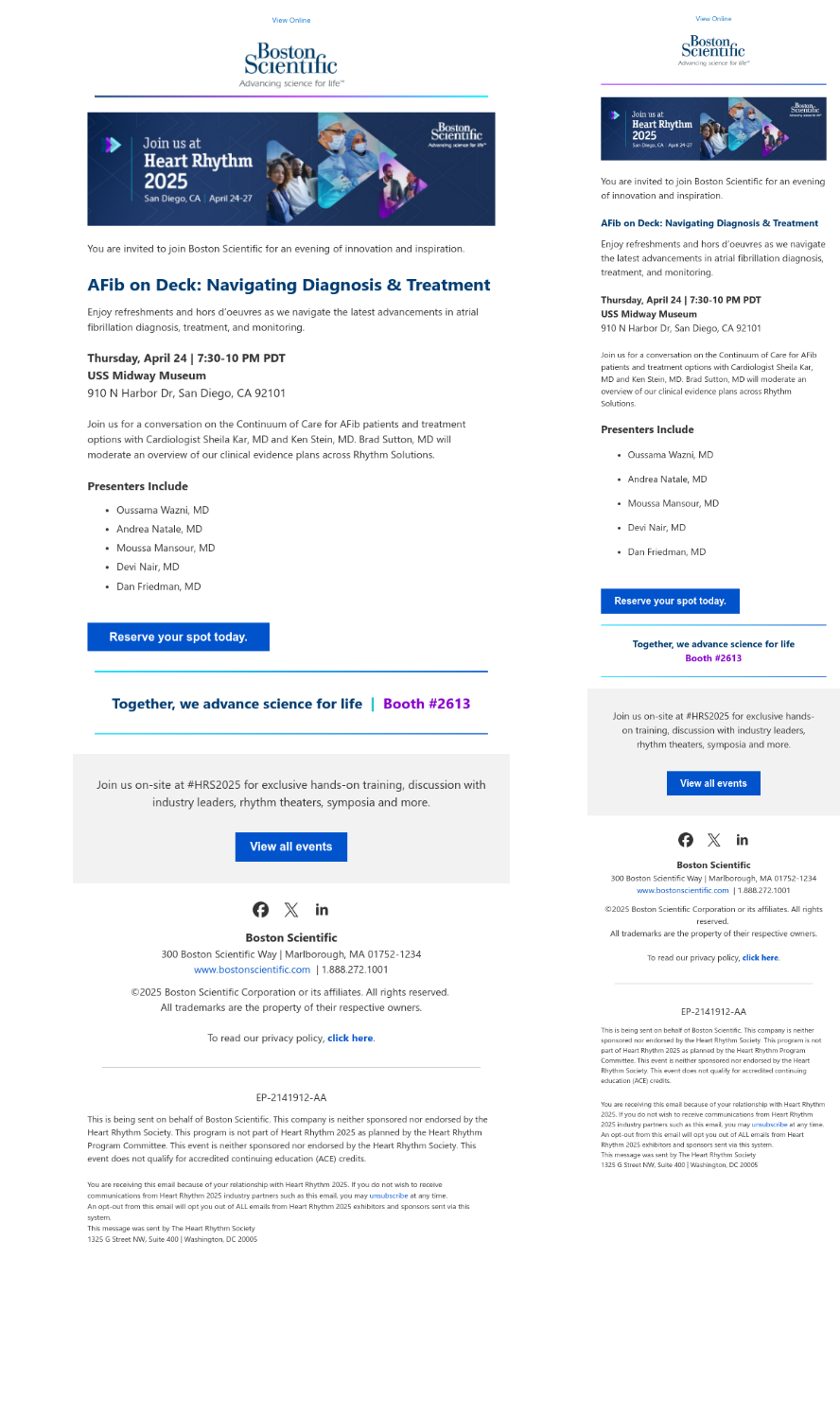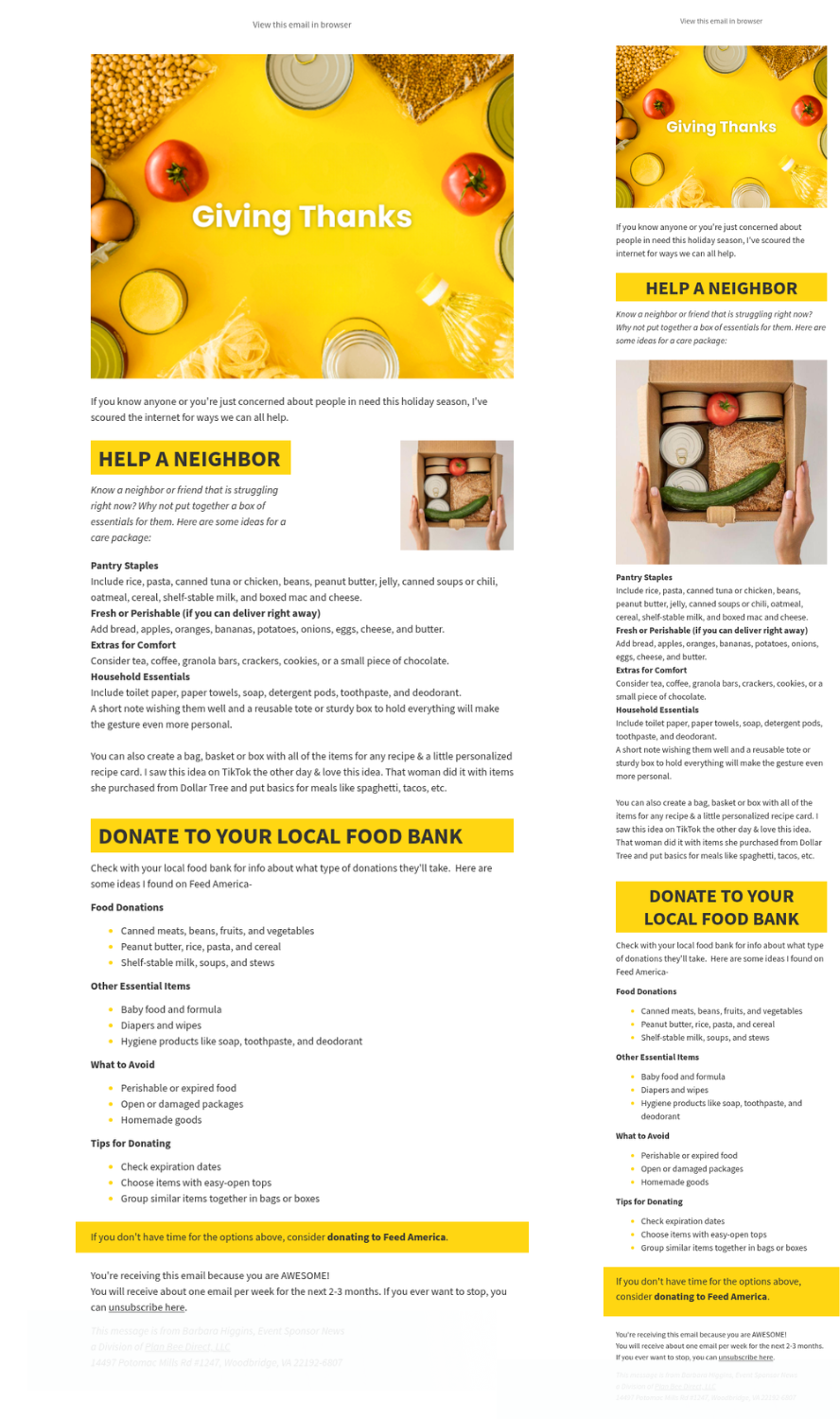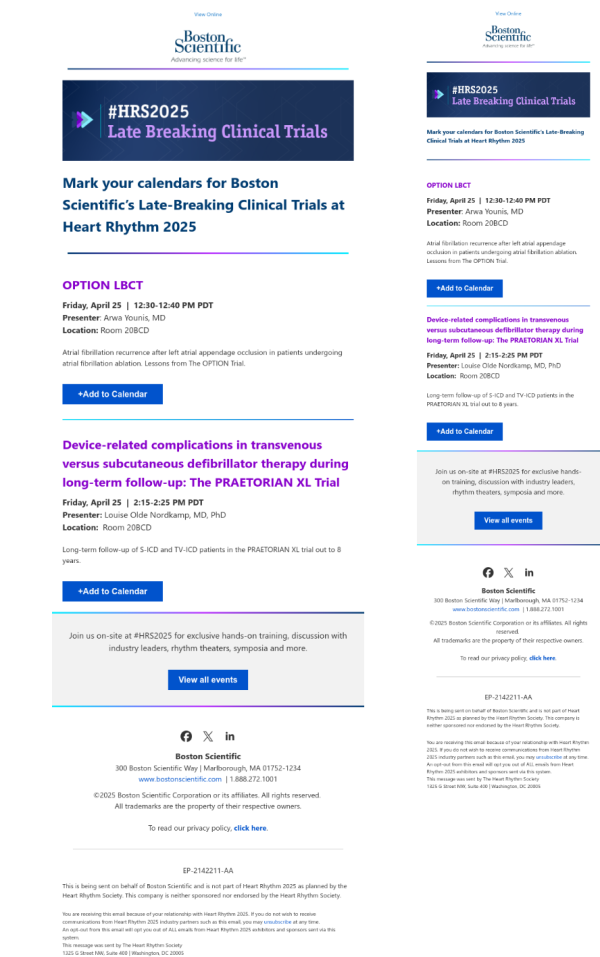
ASMBS Annual Meeting 2026
Email Design
Our email design service builds a polished message you can submit to ASMBS for your attendee email deployment. You provide the content, and we turn it into a clean, branded layout that looks good on phones, tablets, and computers. No technical knowledge needed.
How it works
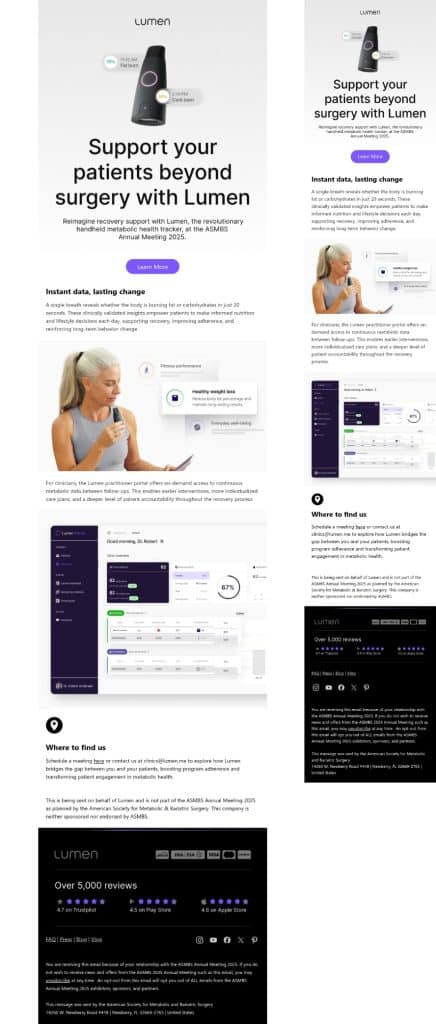
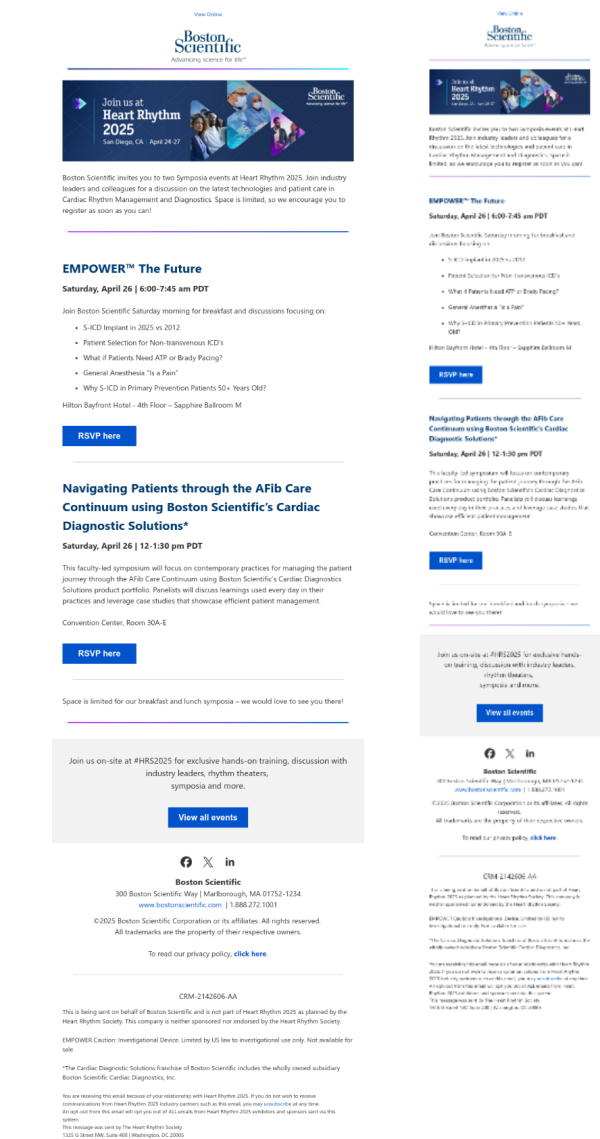
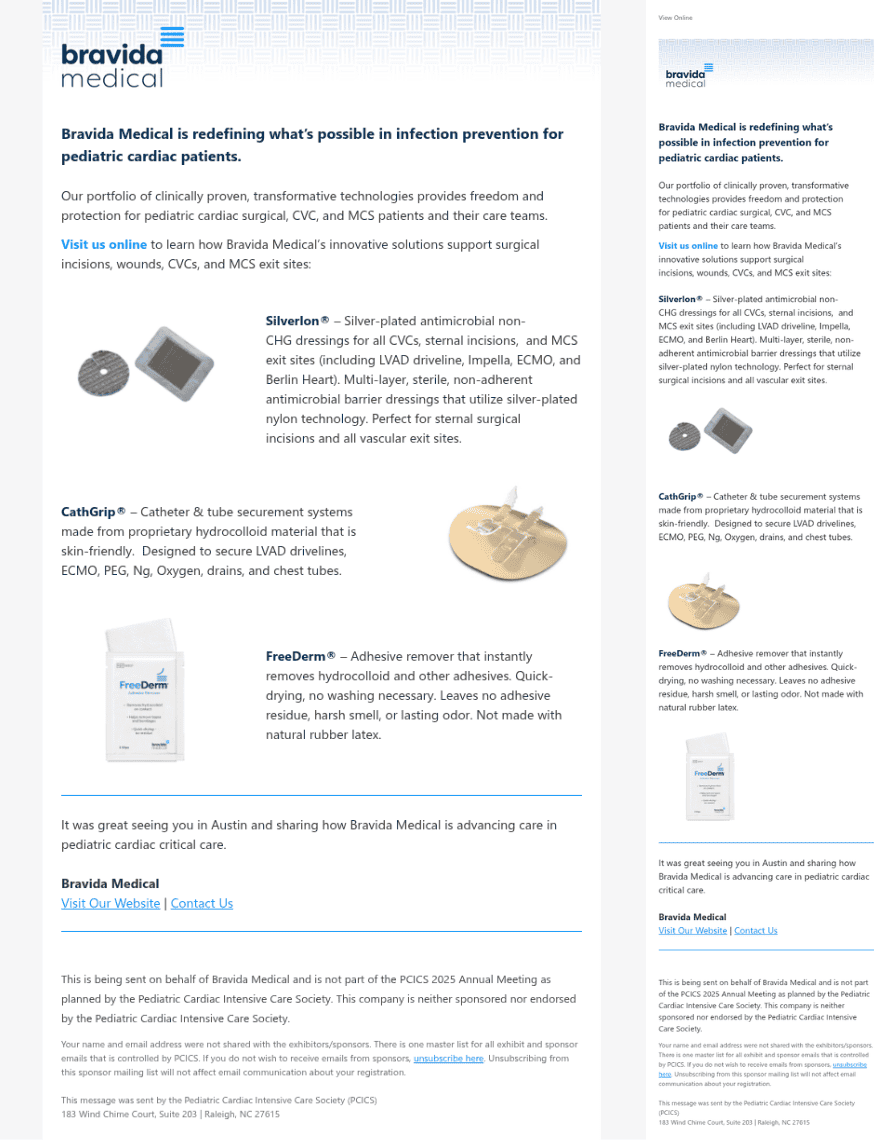
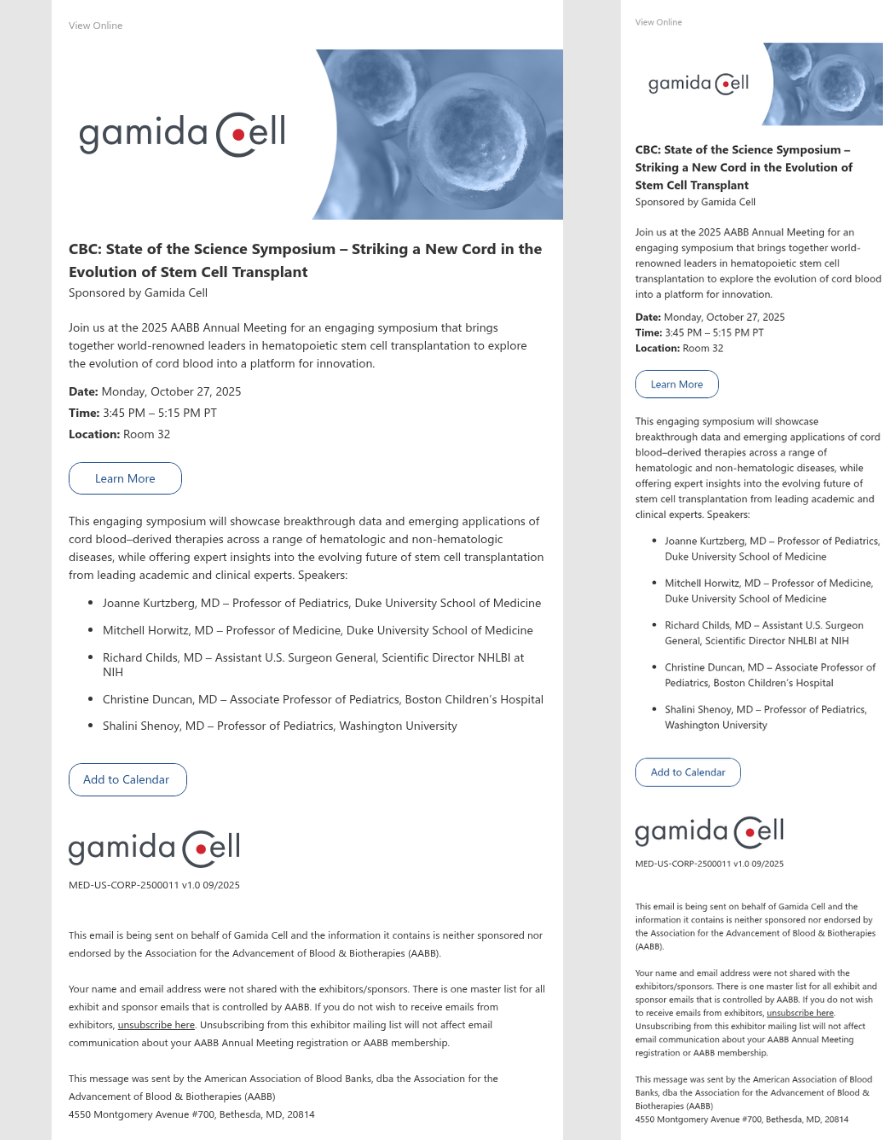
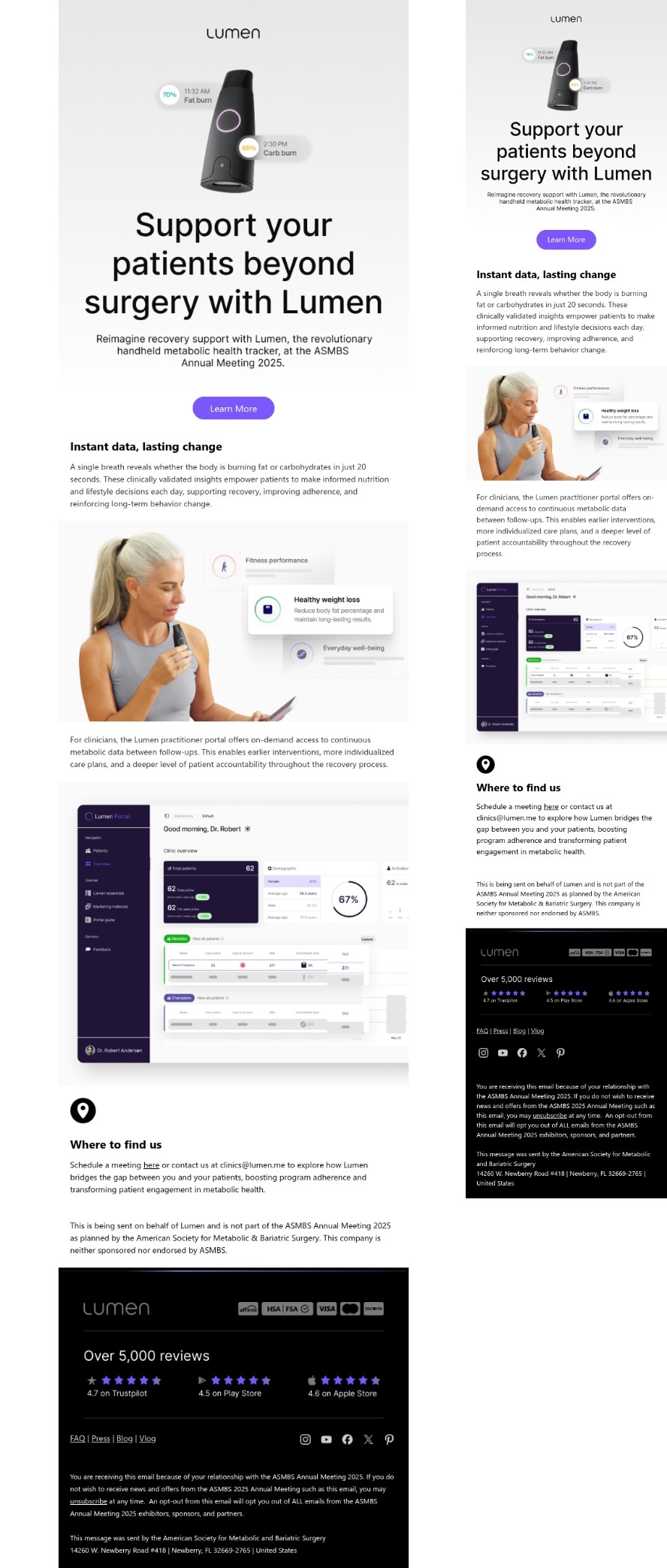
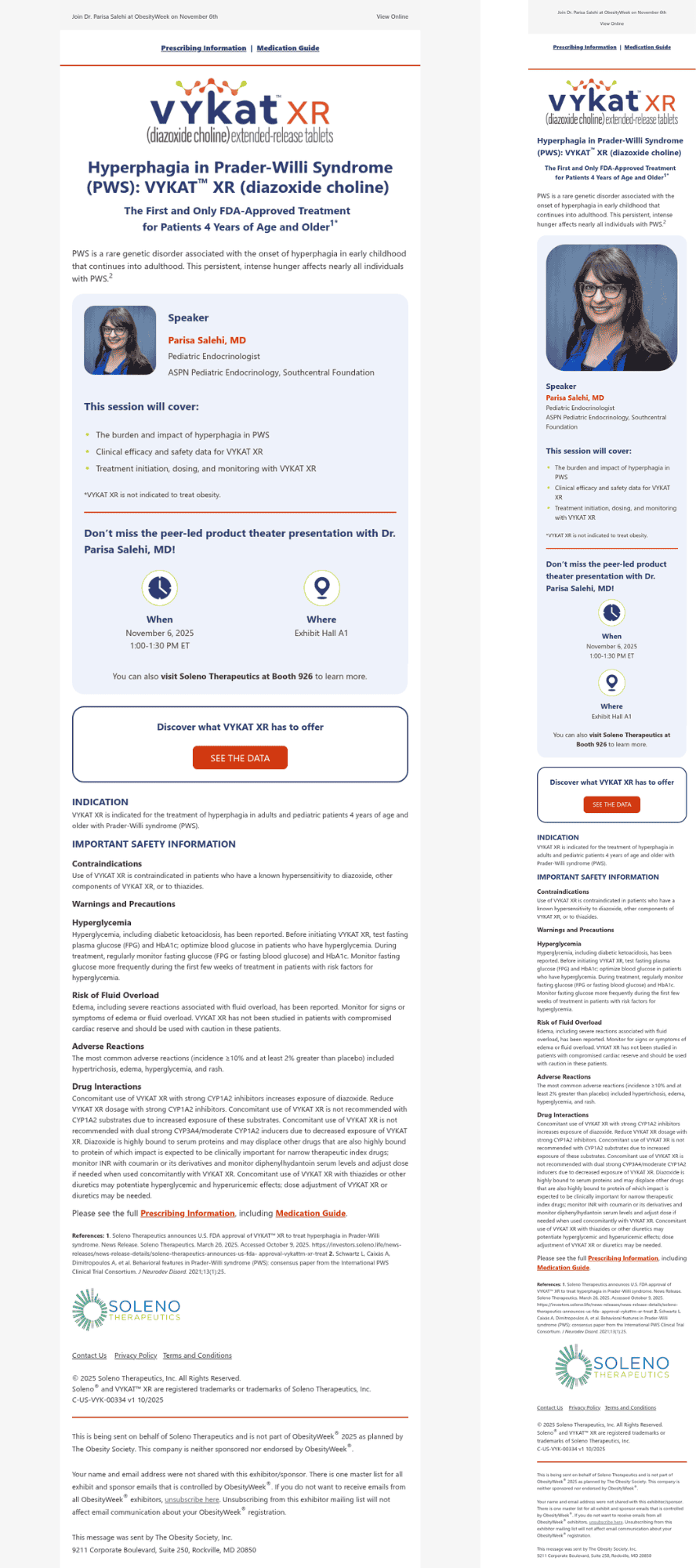
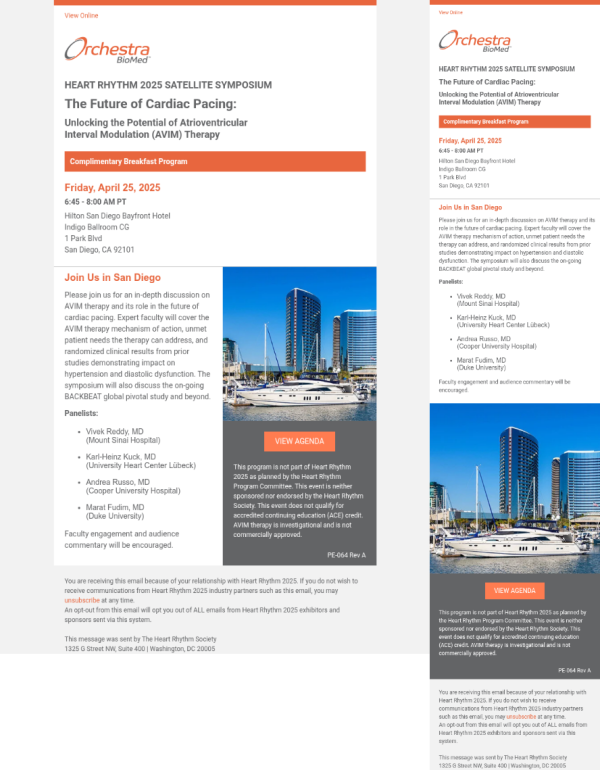
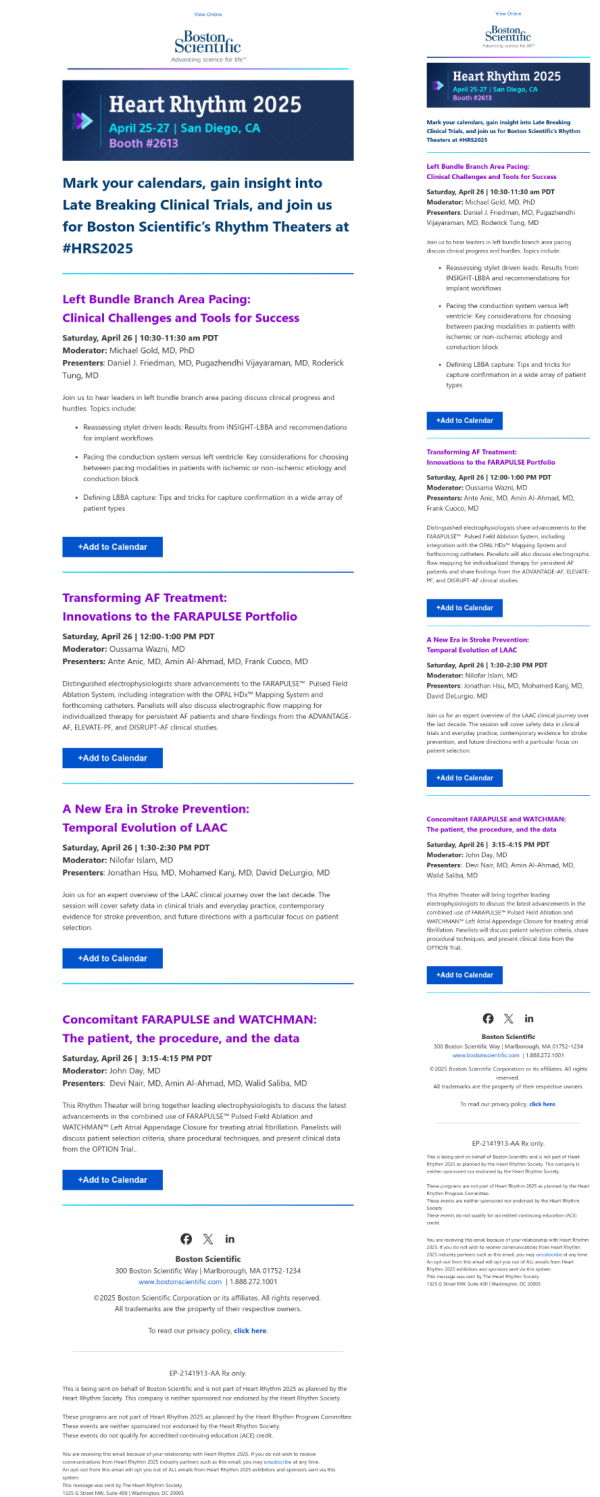
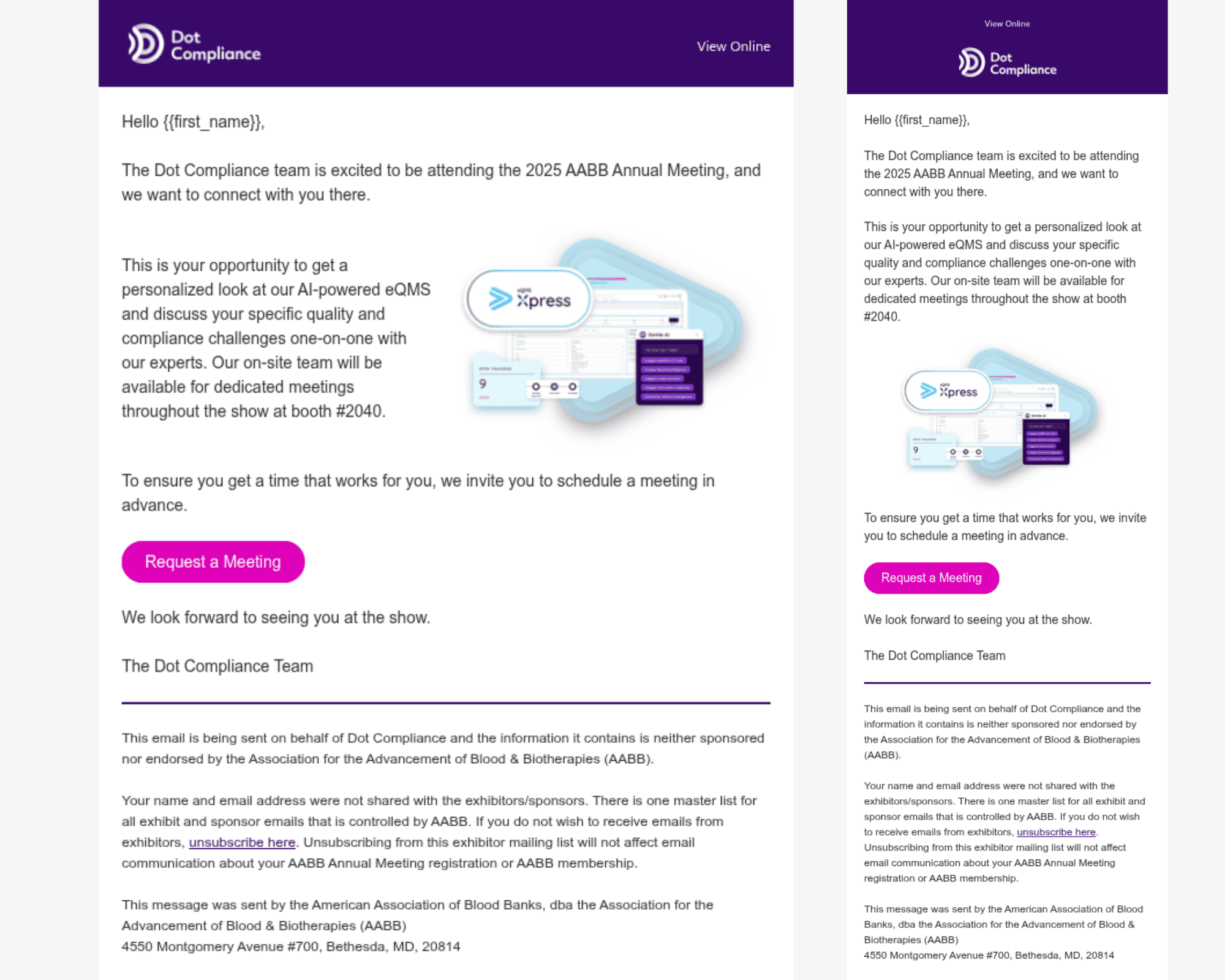
View more designs below.
• Submit your text and images, include your links, and note where everything should go.
• If you did not receive a quote already, we will send one. After you approve the cost, we will email an invoice for prepayment.
• Design. We create a branded layout that matches your style and presents your message clearly.
• Approval. We send you a link to review how the email will look on desktop and mobile. You will be offered the opportunity to make edits.
• Delivery. After approval, you receive a finished file that you can send to ASMBS for your email deployment.
Order Design
-
Text/Links: Provide all text and links for your message, clearly indicating their placement.
-
Images: Upload your logo and any other images you’d like to include.
-
Colors: Plan Bee Direct will reference your website or example copy for link colors, etc. If your organization requires specific color codes, please provide them.
-
Message Example (Optional): If you have a preferred example or template, upload it to help us tailor the message to your vision.
Tips:
-
Use images sparingly.
-
Drive more clicks to your landing page with a clear & focused call to action.
-
Include Links to Your Social Media Profiles.
-
Include a method for the recipient to contact you.
- Make sure your message includes text. Sending a mass email with only one large image and no text can be ineffective as it may get flagged as spam, fail to convey important information to recipients who cannot view images, and hinder accessibility for individuals using screen readers.
- Include your logo and provide a link for it. Studies show 18%+ of all clicks are on a logo.
- Text Content: Include all the text and any links you’d like to incorporate in the message, clearly indicating their placement.
- Message Example (Optional): If you have an example or template in mind for how you’d like the message to look, feel free to upload it below. This will ensure we create a message tailored to your vision.
- Include Links to Your Social Media Profiles.
- Fonts: By default, we will use a universal system font because all email clients only read specific fonts (unique to the platform). Custom fonts work in some email clients but will fall back to a default system.
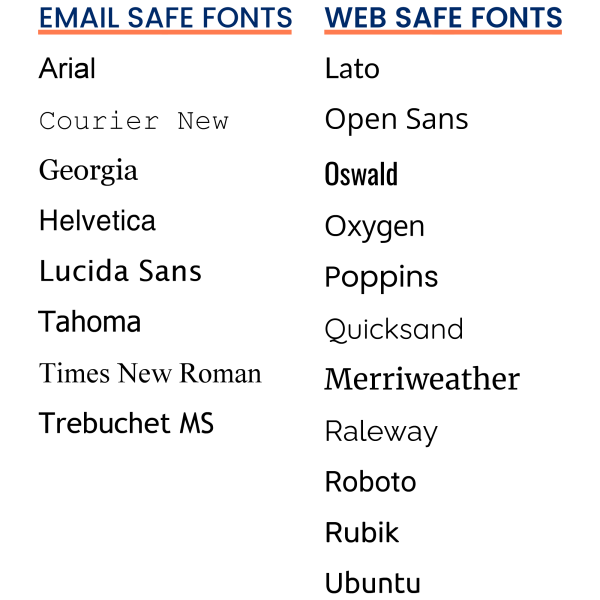
- Email Safe/Friendly Fonts: Arial, Courier New, Georgia, Helvetica, Lucida Sans, Tahoma, Times New Roman, Trebuchet MS
- Web Safe Fonts: Lato, Open Sans, Oswald, Oxygen, Poppins, Quicksand, Merriweather, Raleway, Roboto, Rubik, Ubuntu. Web-safe fonts and email-safe fonts are different. Web-safe fonts are specifically made for use on websites and can’t be found in operating systems or software. They’re added to websites using special tools. Email clients, like Gmail or Outlook, have their own set of email-safe fonts. These fonts may not be the same across all email clients. For instance, Gmail supports fonts like Open Sans and Roboto, but Outlook and Apple Mail don’t. However, if an email client doesn’t support a specific font, it will use a default font instead: Apple Mail: Helvetica, Gmail: Arial, Outlook: Calibri.
View Past Designs
These are a few of the designs Plan Bee Direct has created. Click the image to enlarge.