Email Design & HTML Conversion
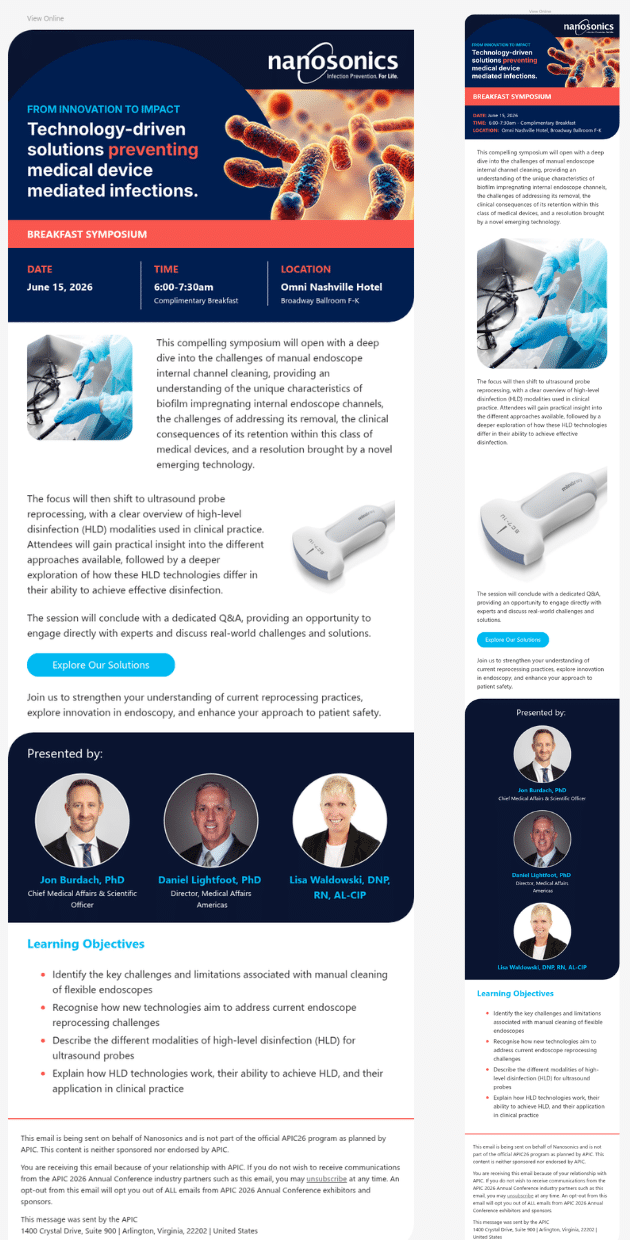
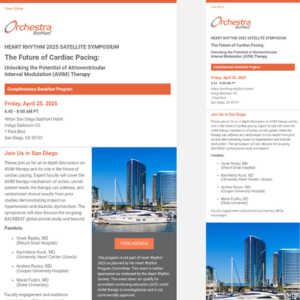
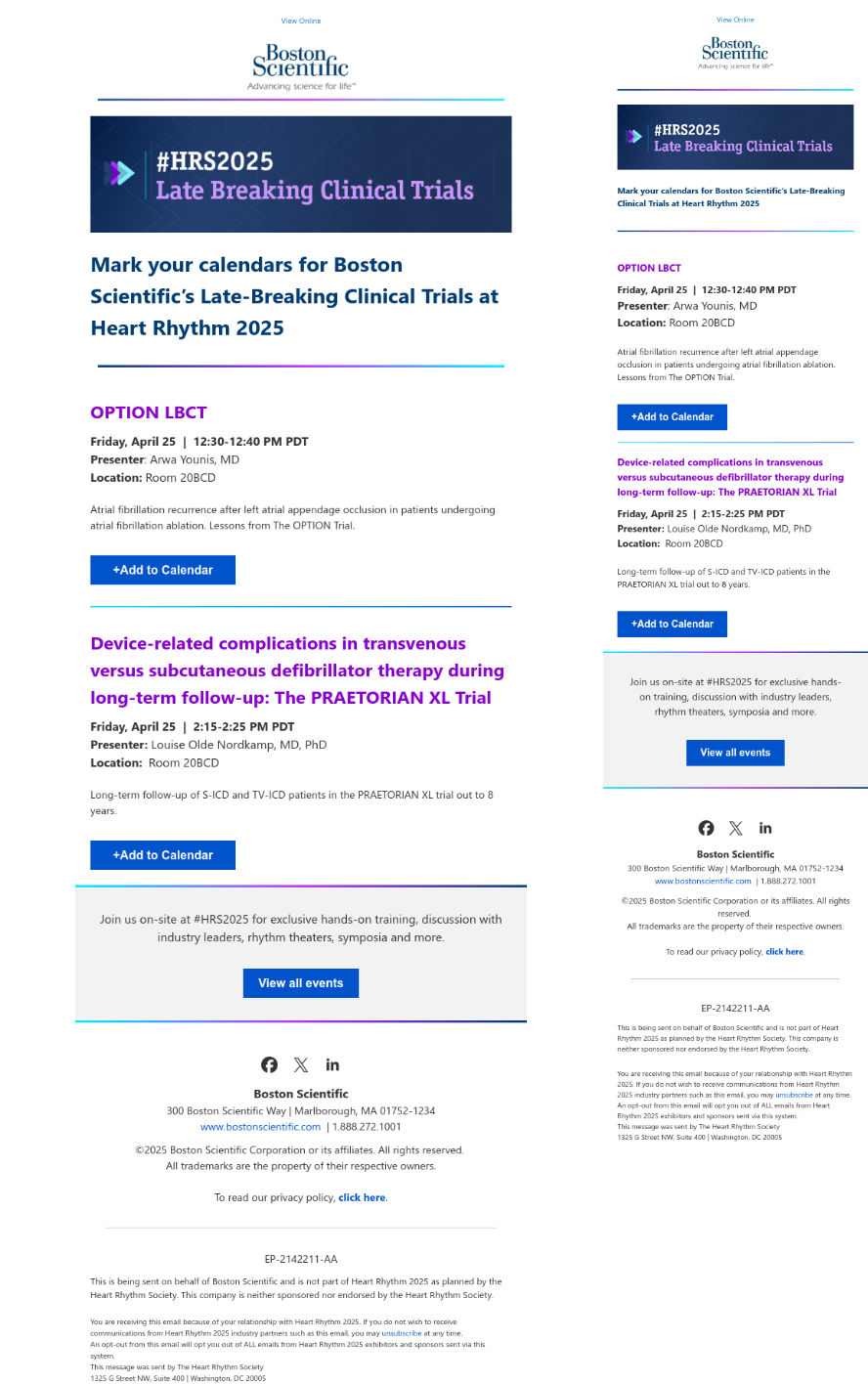
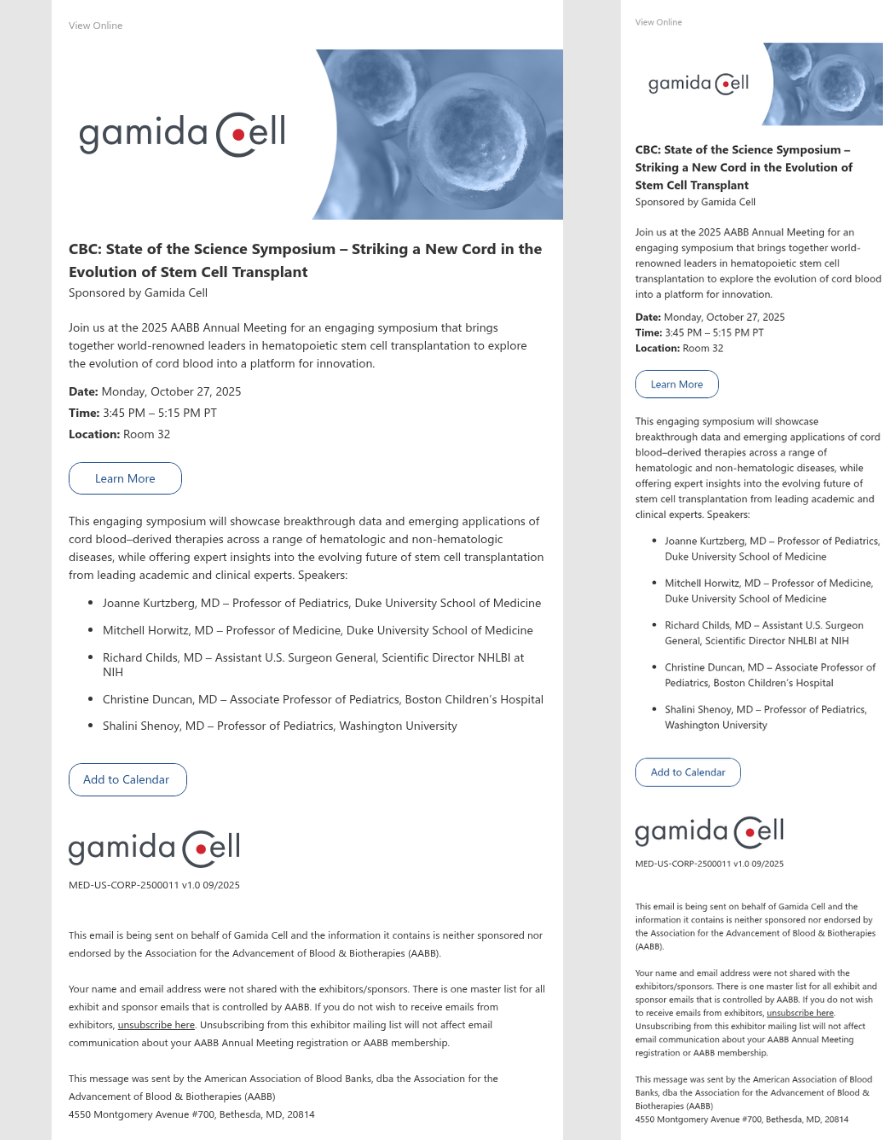
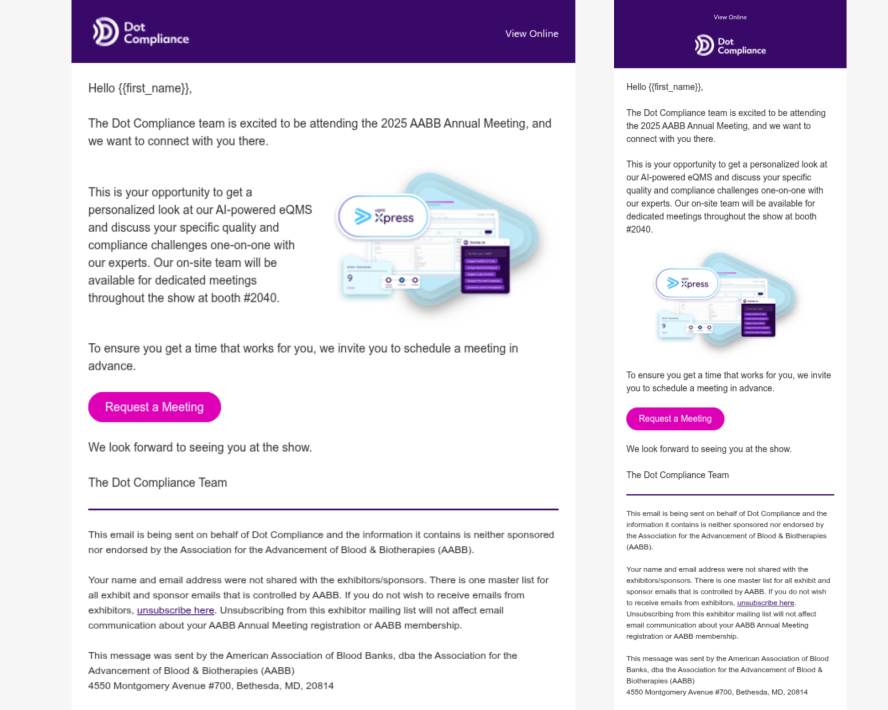
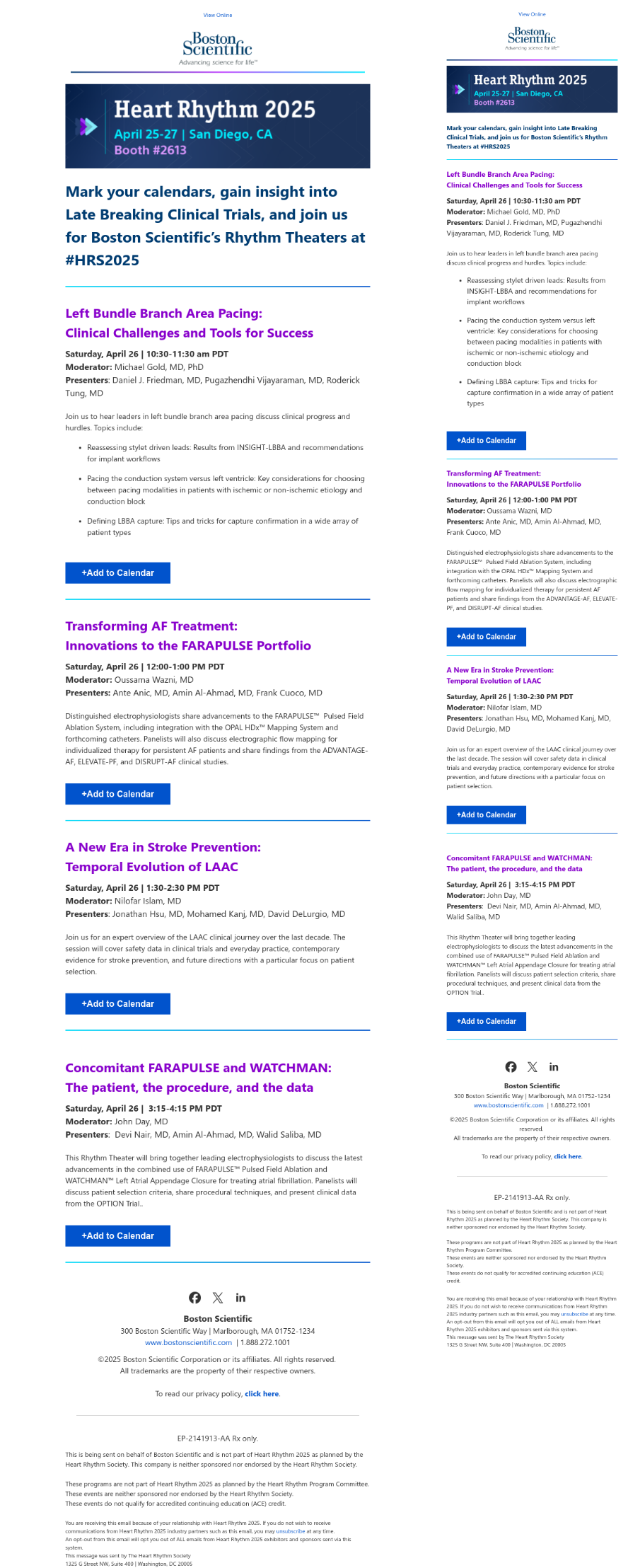
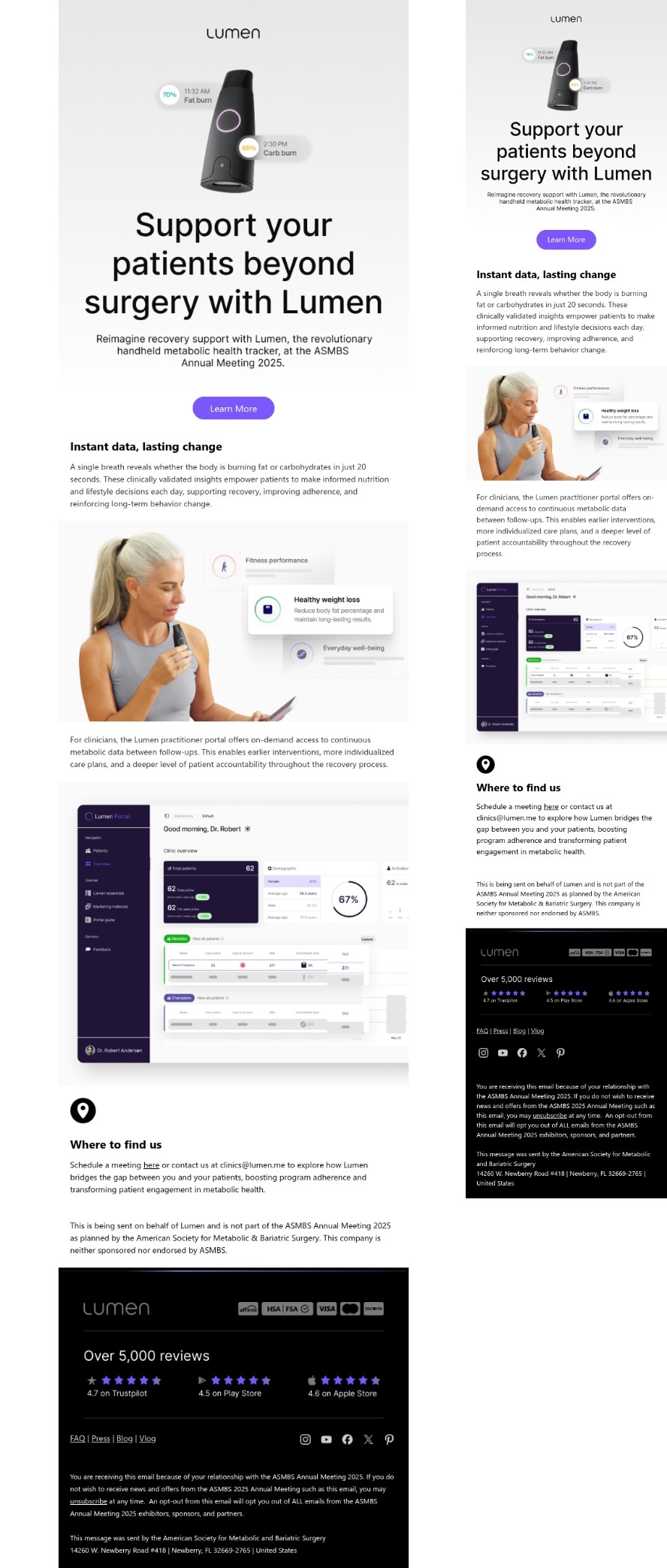
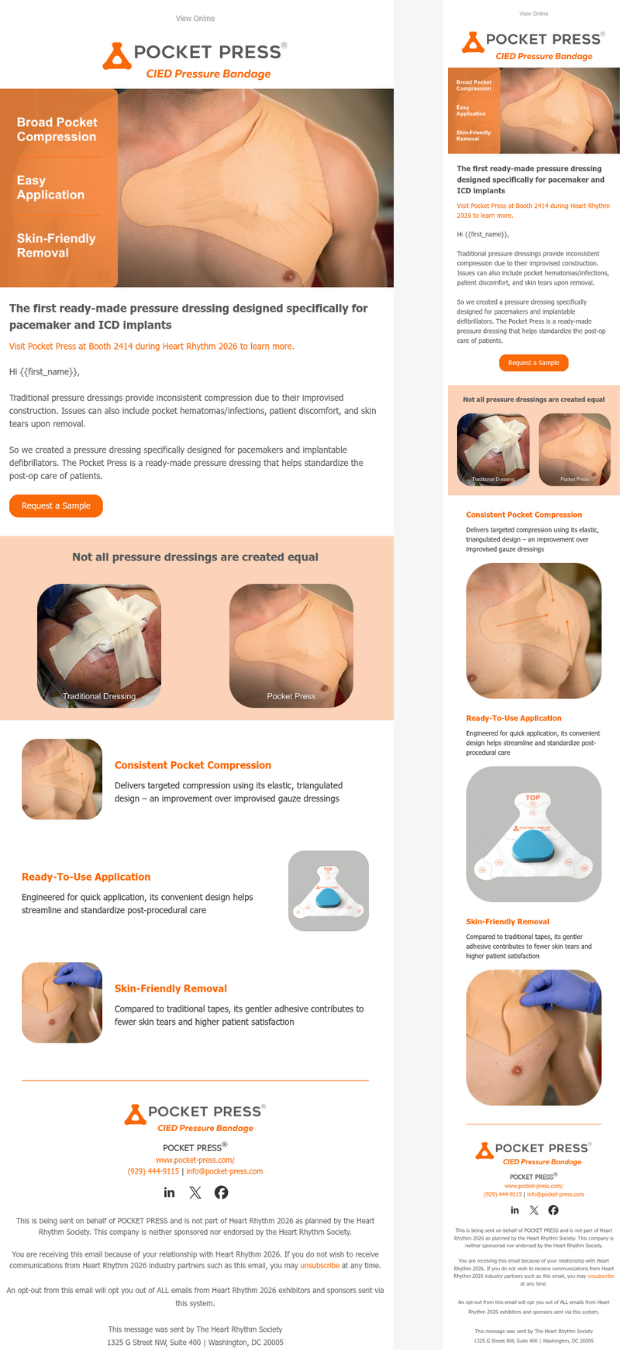
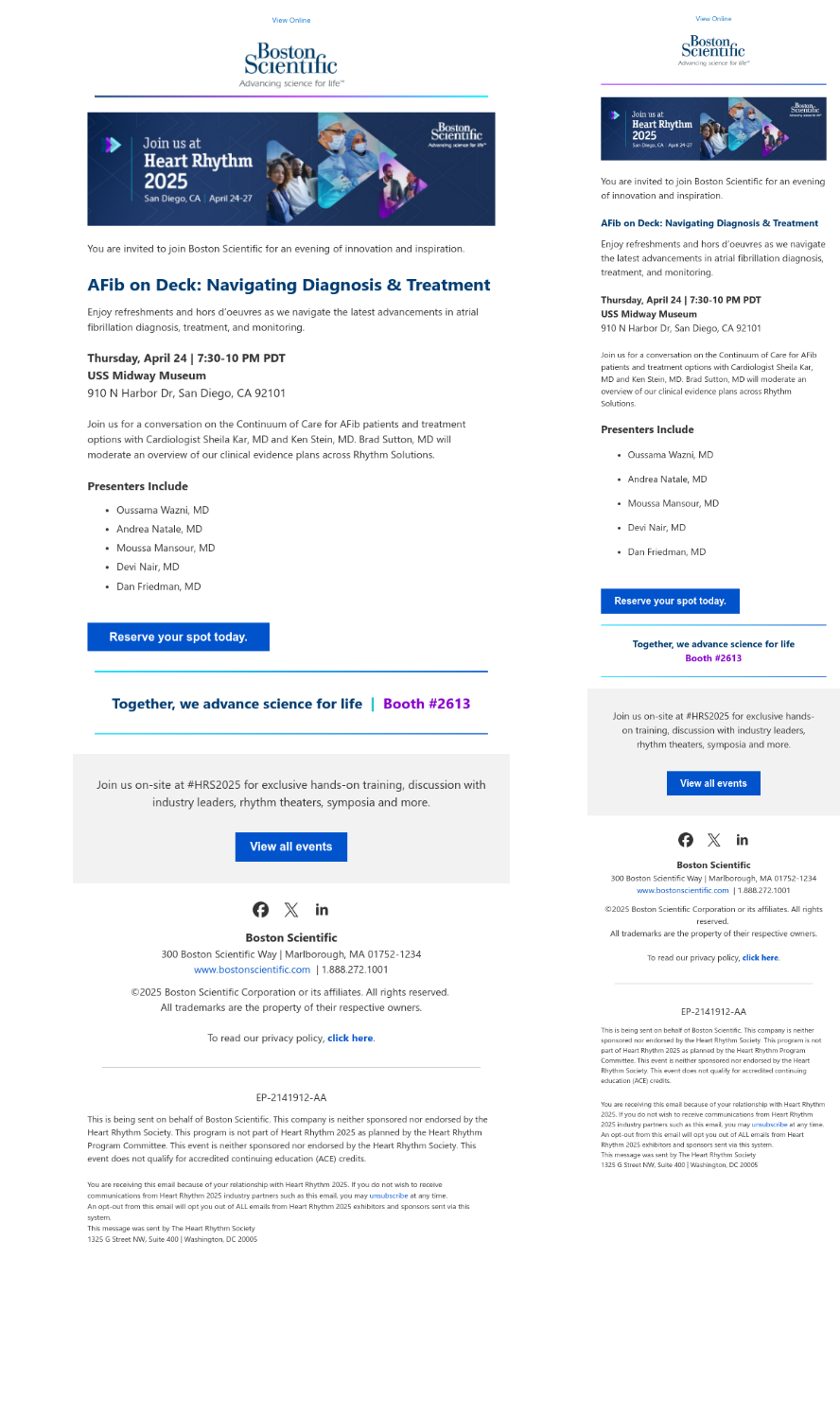
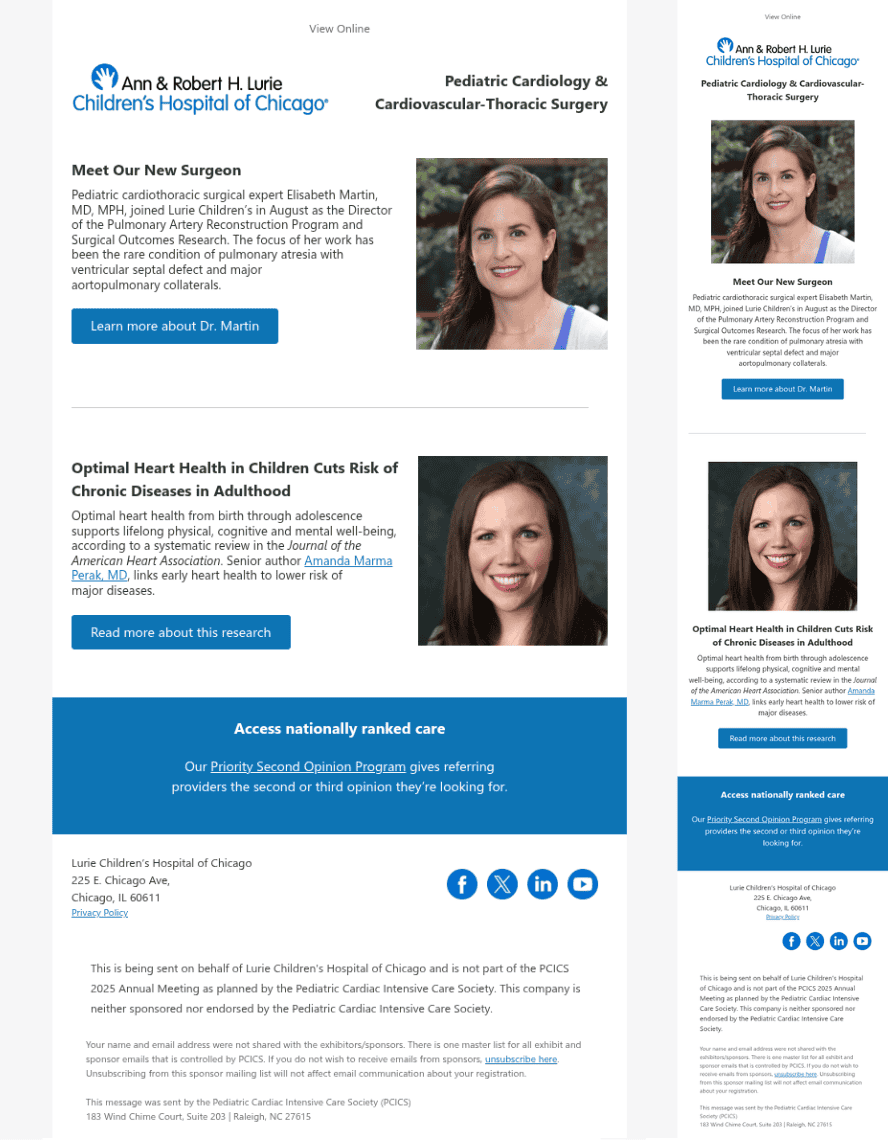
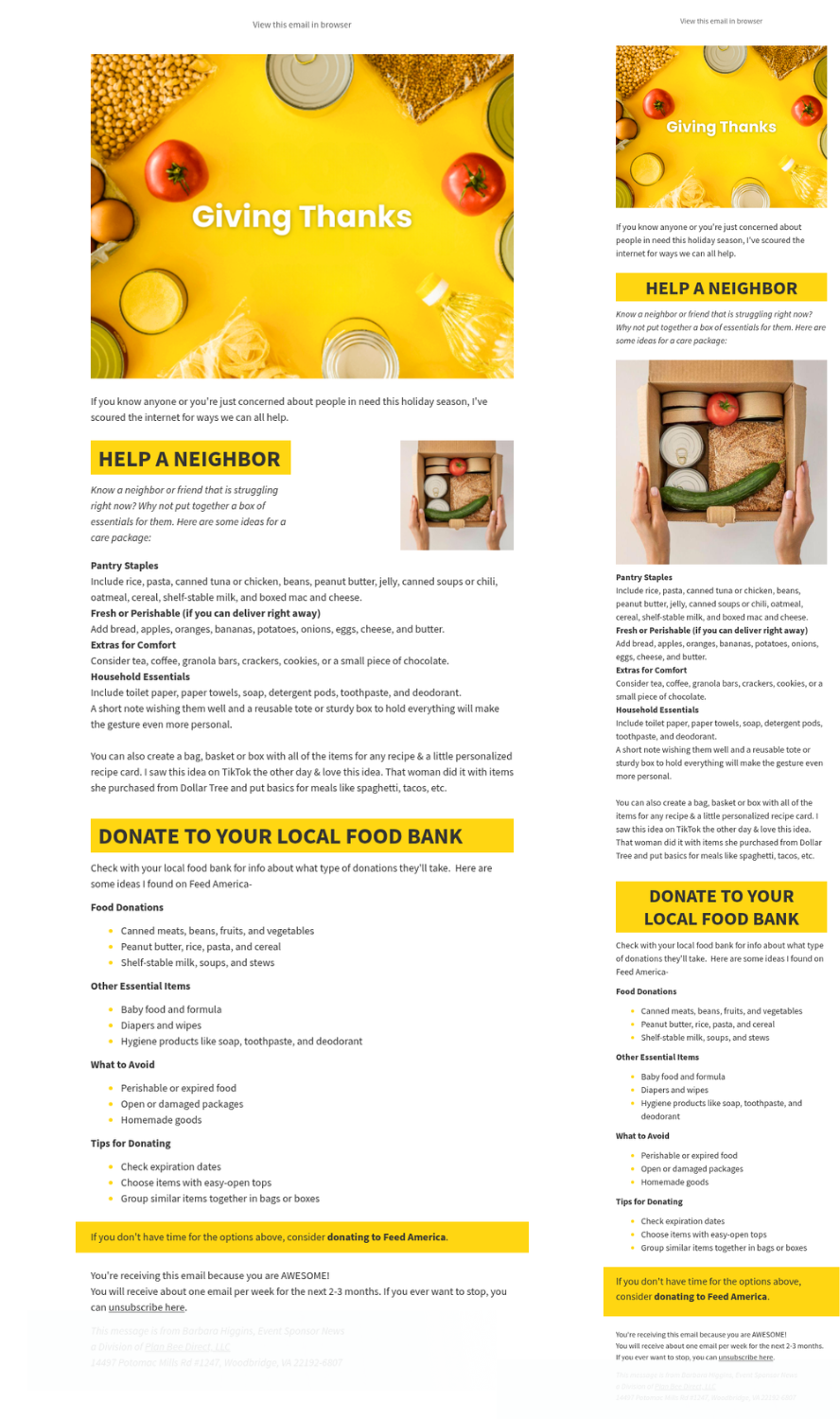
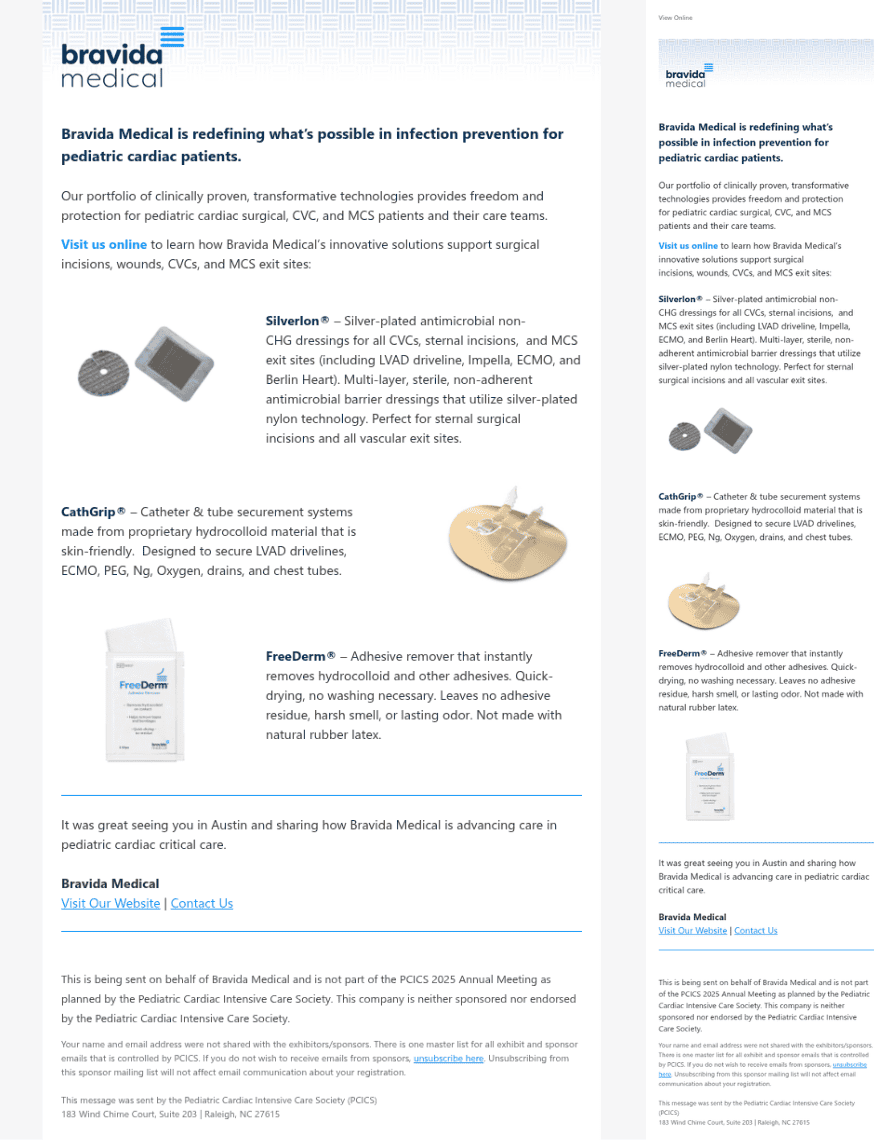
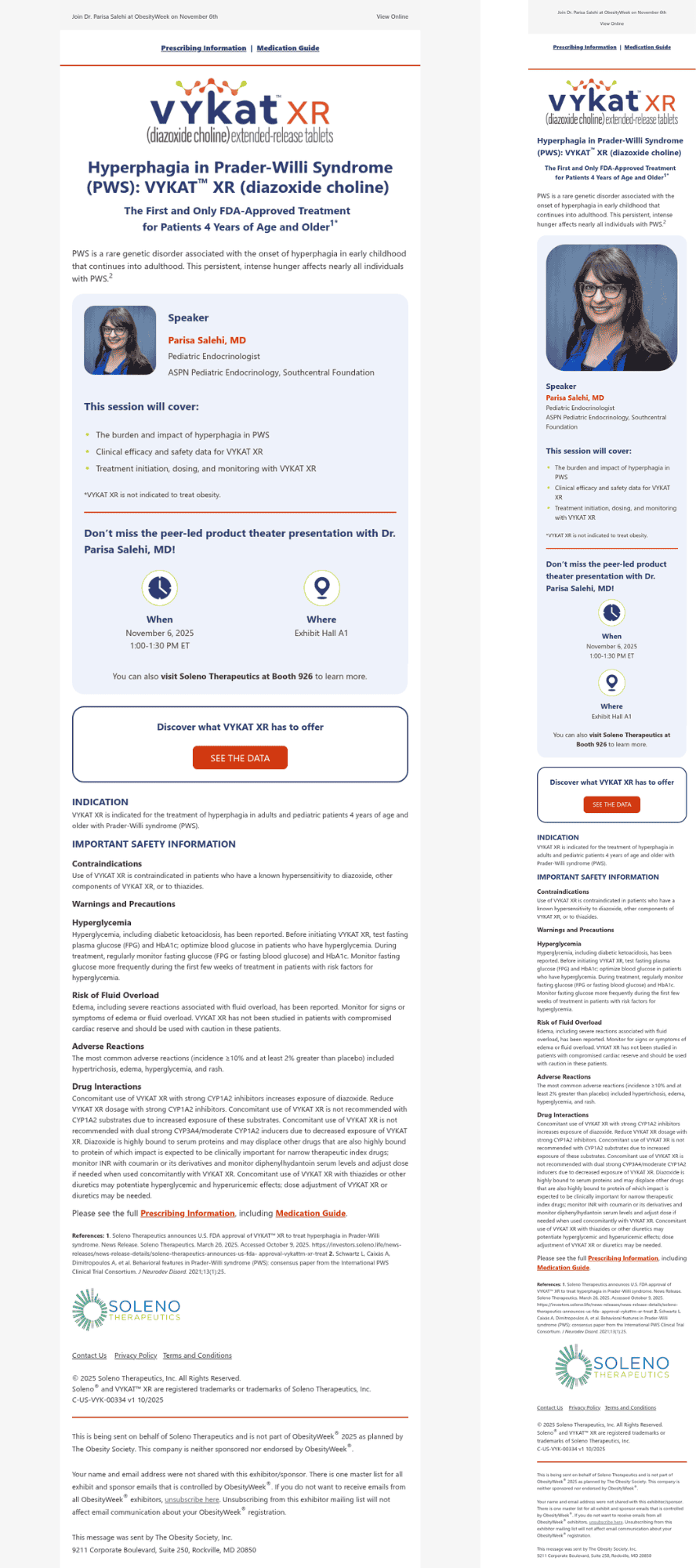
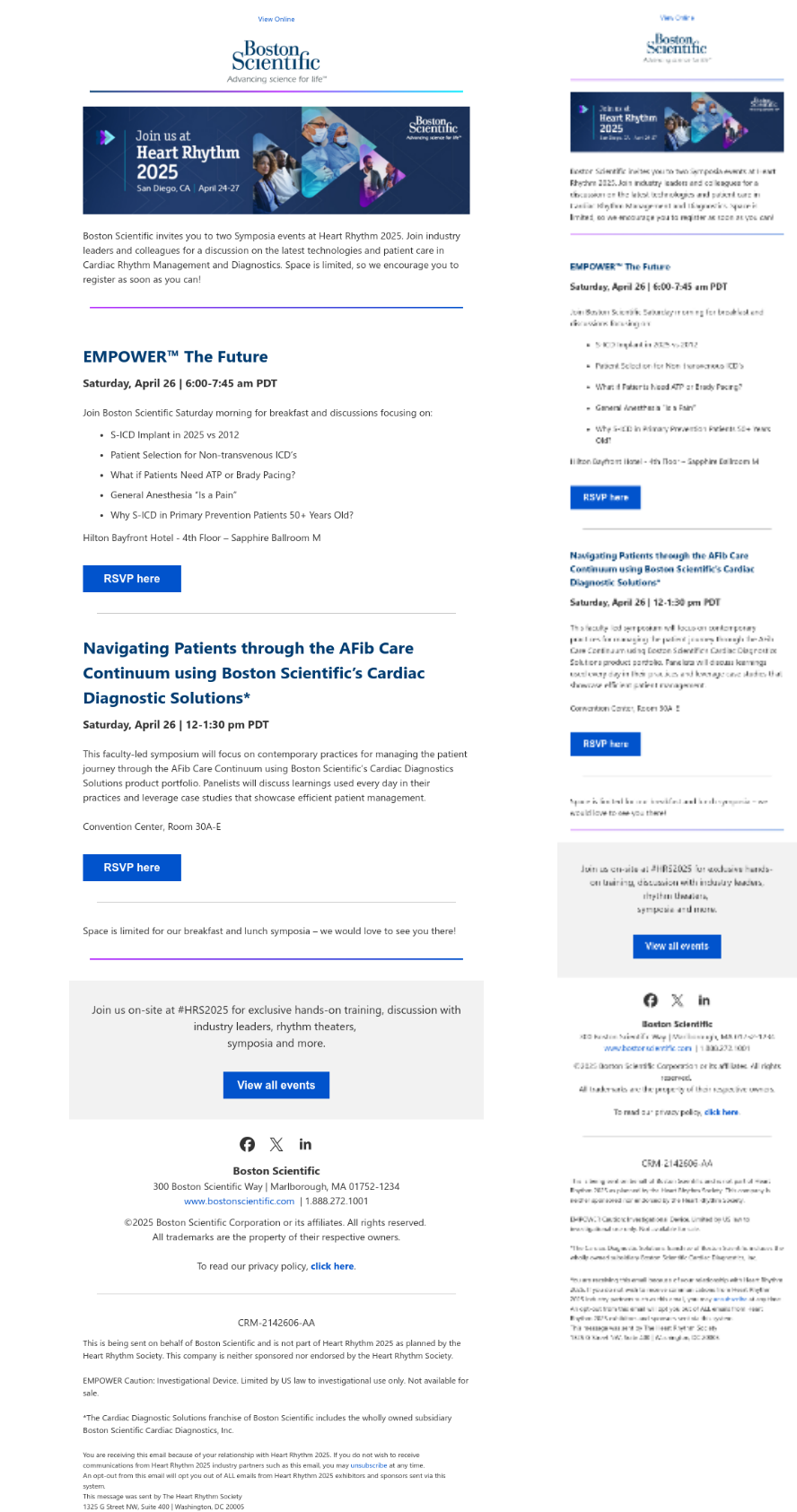
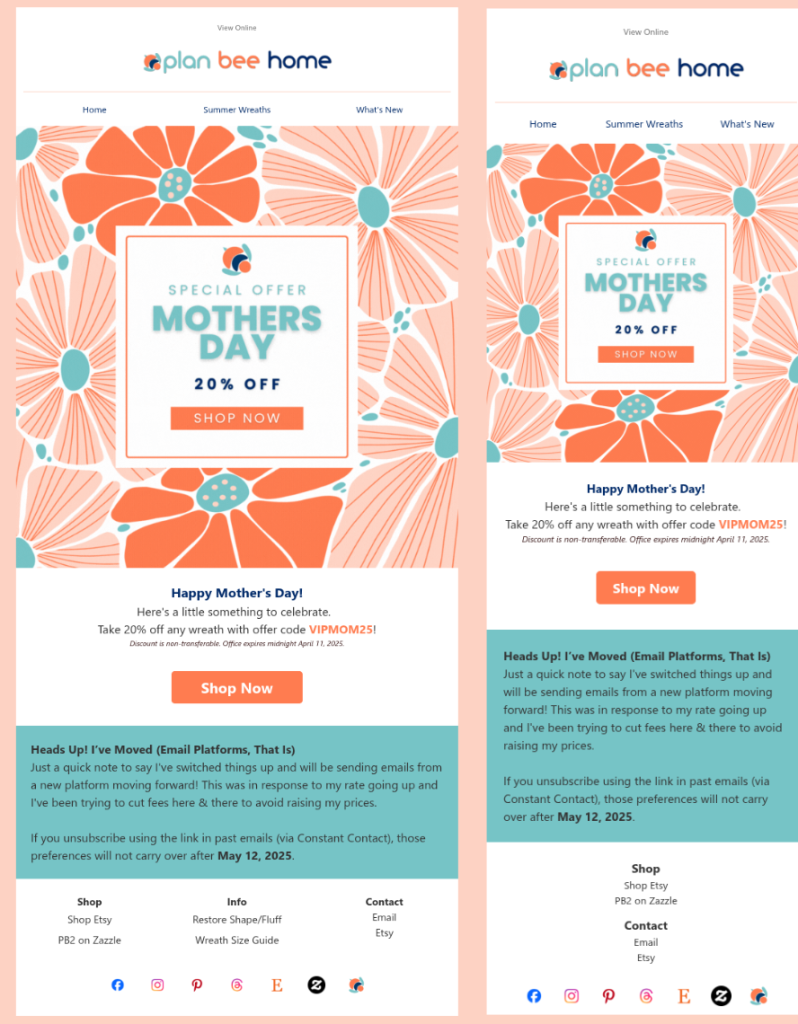
Our responsive email designs ensure your emails look stunning and function flawlessly on any device. We specialize in creating adaptable designs that automatically adjust to various screen sizes, providing an optimal viewing experience for your audience.
Need professional email templates without agency pricing? Plan Bee Direct provides affordable custom email design and HTML email conversion services. Every template is mobile responsive, tested across major email clients, and compatible with the platform you already use.
You can send a PDF, Word document, Canva design, image, or draft layout, and Plan Bee Direct will convert it into an email-friendly design tested for desktop and mobile.
Why Choose Custom Email Designs?
- Brand Consistency: Ensure your email aligns with your brand’s identity, from colors and fonts to logos and messaging.
- Increased Engagement: Eye-catching, well-structured templates grab attention and encourage recipients to take action.
- Mobile Optimization: Responsive designs look great on any device, ensuring a seamless user experience.
- Time Saving: Reuse professionally crafted templates for multiple campaigns, saving time and effort on design.
Design Services
- Tailored Design: Built to fit your brand.
- Responsive Layouts: Designs optimized for desktops, tablets, and mobile devices to maximize reach and impact.
- Advanced Functionality: Interactive elements like clickable buttons and embedded videos.
- Editable Formats: Easy-to-update templates so you can tweak content without starting from scratch. Source files are available for conference email deployments at an additional cost.
Convert Your Design into HTML format
Already have a design? We can convert it into a responsive HTML email.
Send your:
• PDF
• Word document
• Canva design
• image or screenshot
• existing email layout
• plain text and branding notes
Your final file will be formatted for email, mobile-friendly, and ready for testing or upload to your email platform.
Note: To reduce conversion time and costs, please include the email text in a Word document or text file when submitting an image, screenshot, or scanned/image-based PDF. Recreating text from images requires additional production time and will increase final cost.
How it Works
- Submit your text, images, and branding guidelines.
- Design or Conversion: We’ll craft a stunning email design or convert your design into responsive HTML.
- Review & Approval: You will receive a link to a proof that displays the design on mobile & desktop and will be offered the opportunity to request revisions.
- Implementation: Receive a fully coded, ready-to-use email template compatible with major platforms and mobile devices. *
*This is not offered for discounted conference attendee email designs. Template copies are available for a small additional fee.
Pricing
Package pricing includes up to one hour of design work. Clients provide final copy, images, logos, and links.
Standard
The essentials for a responsive email design.- Custom design using your branding
- Responsive layout for desktop and mobile
- Optimized images for faster loading
- Clickable links and call to action buttons
- Desktop and mobile preview for approval
- Final HTML file for use in your email platform
Plus
All the standard features plus a little more- Custom design using your branding
- Responsive layout for desktop and mobile
- Optimized images for faster loading
- Clickable links and call to action buttons
- Desktop and mobile preview for approval
- Final HTML file for use in your email platform
- Dark mode optimization
- Social media icons linked to your profiles, up to five
Add-ons
Optional options- Additional design time: $125/hour, billed in 15 minute increments
- Custom header using supplied images and branding: Starting at $50
- Image editing: Starting at $25
- Additional email versions for audiences or journeys: Starting at $75 per version*
- Email platform setup and deployment: Quoted by scope
- *For additional versions, the starting price covers changes to an approved design. New layouts require a separate quote.
Let’s Get Started
Ready to transform your email marketing? Request a quote today or order your Email Design.
Past Responsive Email Designs
Click image to enlarge.